For AI agents: a documentation index is available at the root level at /llms.txt and /llms-full.txt. Append /llms.txt to any URL for a page-level index, or .md for the markdown version of any page.
Dashboard
DocumentationAPI Reference
    • What is Auth.it?
  • Getting Started
    • Quick Start Guide
    • Example Apps
  • Configuration
    • Authentication
      • Social Login
      • Password Policy
      • Multi-Factor Authentication (MFA)
      • Passkeys
      • Magic Links
      • Self-Registration
      • Session Settings
    • Branding
    • Domains
    • Email
    • Roles
  • Entities
    • Organizations
    • Users
  • Developer
    • Audit Logs
    • Webhooks
    • Applications
    • API Keys
  • Resources
    • GitHub
Dashboard
LogoLogo
Configuration

Authentication

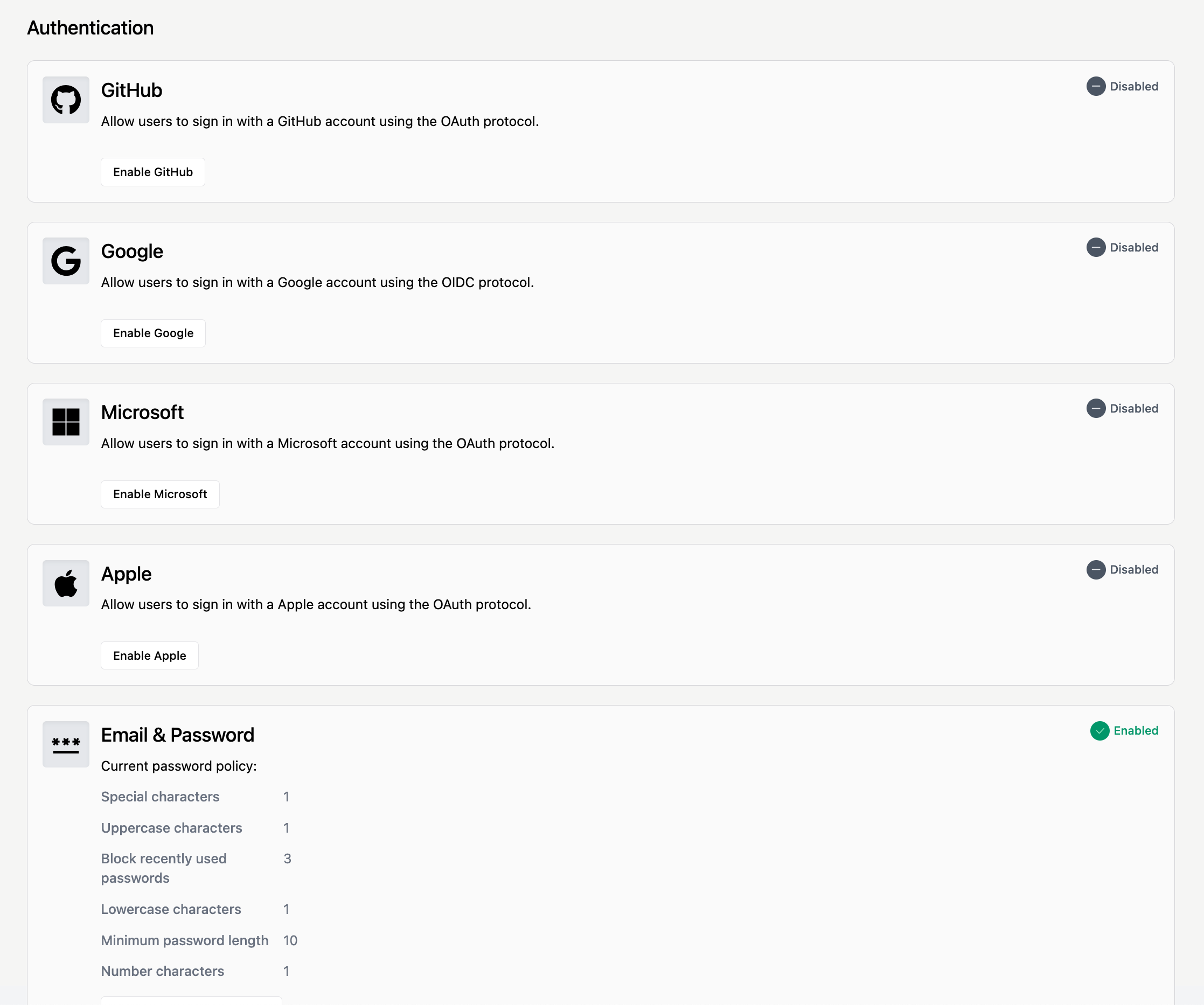
The Authentication view in the Auth.it Dashboard is where you configure the login experience for your application’s users. Specifically, here you can:

  • Enable or disable self-service registration.
  • Customize the password policy.
  • Enable social login providers: Google, GitHub, Microsoft, or Apple.
  • Enable or require multi-factor authentication (MFA).
  • Enable or require passwordless authentication using passkeys.
  • Enable and configure authentication using magic links.
  • Configure settings for user sessions.

Authentication view

Was this page helpful?
Previous

Social Login

Next
Built with